Free printable Wi-Fi password sign templates
Six guest Wi-Fi sign designs. Pick one, type your network, print it at home.
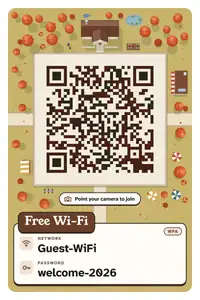
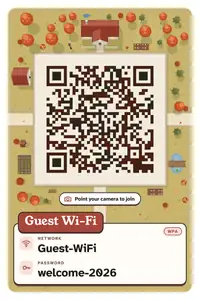
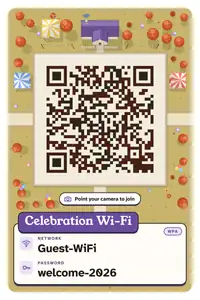
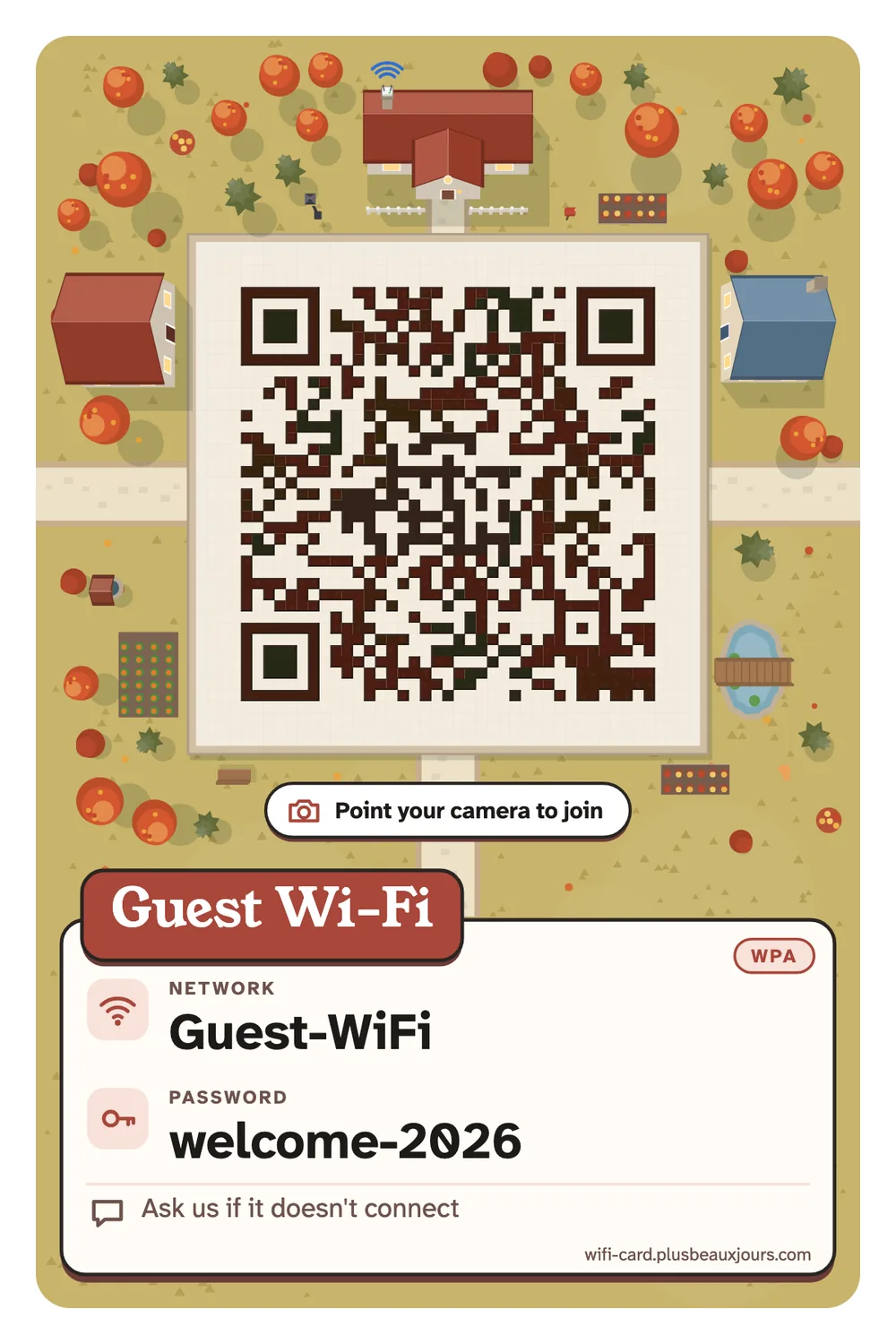
A good Wi-Fi sign saves you from spelling a password out loud ten times a night. Each template below is a real card made by the Wi-Fi QR code generator on this site: a scannable QR code on the front, the network name and password set in a typeface built to tell 1, l and I apart, and an optional line for house rules or opening hours. The previews show a demo network called Guest-WiFi with the password welcome-2026; your card shows yours.
Every design comes in three sizes. The table tent prints on one A4 or Letter sheet and folds into a sign that stands on a counter, with both sides reading upright. The A6 card fits a small frame, and 4 × 6 in is the photo print size if you'd rather print at a kiosk. The QR code itself is always pure black on white with a clear border, whatever the colours around it, because that is what phone cameras read most reliably.
Nothing you type leaves your browser, and nothing is saved unless you ask. Choose Use this design under any template to open the generator with that look selected. Already have a Wi-Fi QR from your router or phone and want to know what's inside? Read it with the Wi-Fi QR scanner first, then turn it into a card.
Home guest Wi-Fi sign
Blush paper, a fine hairline frame and a small line drawing of a cottage with a router on its chimney, under a rosewood serif “Guest Wi-Fi”. It's the friendly one for the fridge door, the hallway shelf or a frame by the sofa, so visiting family can join without asking.
Print it as an A6 card for a 4×6 frame, or as a table tent for the coffee table when you have people over. If your router has a guest network, use that one here.
Use this design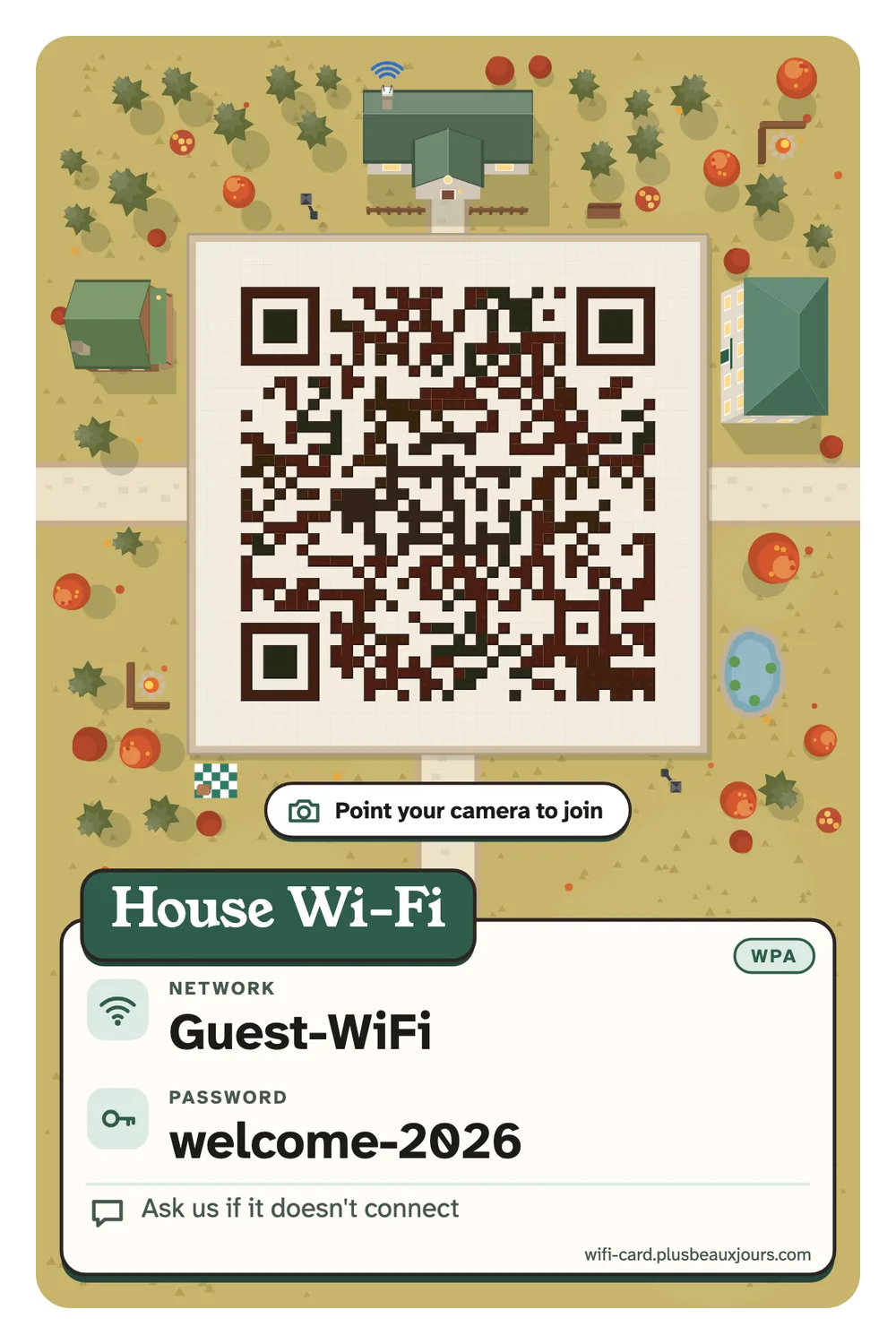
Airbnb / vacation rental Wi-Fi card
Pale sage paper, a line-drawn key and a deep green serif title, made for hosts. The note line sits in a hairline box so it gets read: put checkout time, the door code reminder or “Wi-Fi works best in the living room” there.
Leave a table tent on the kitchen counter and an A6 card in the welcome folder. When you change the password between seasons, print a fresh card in a minute.
Use this design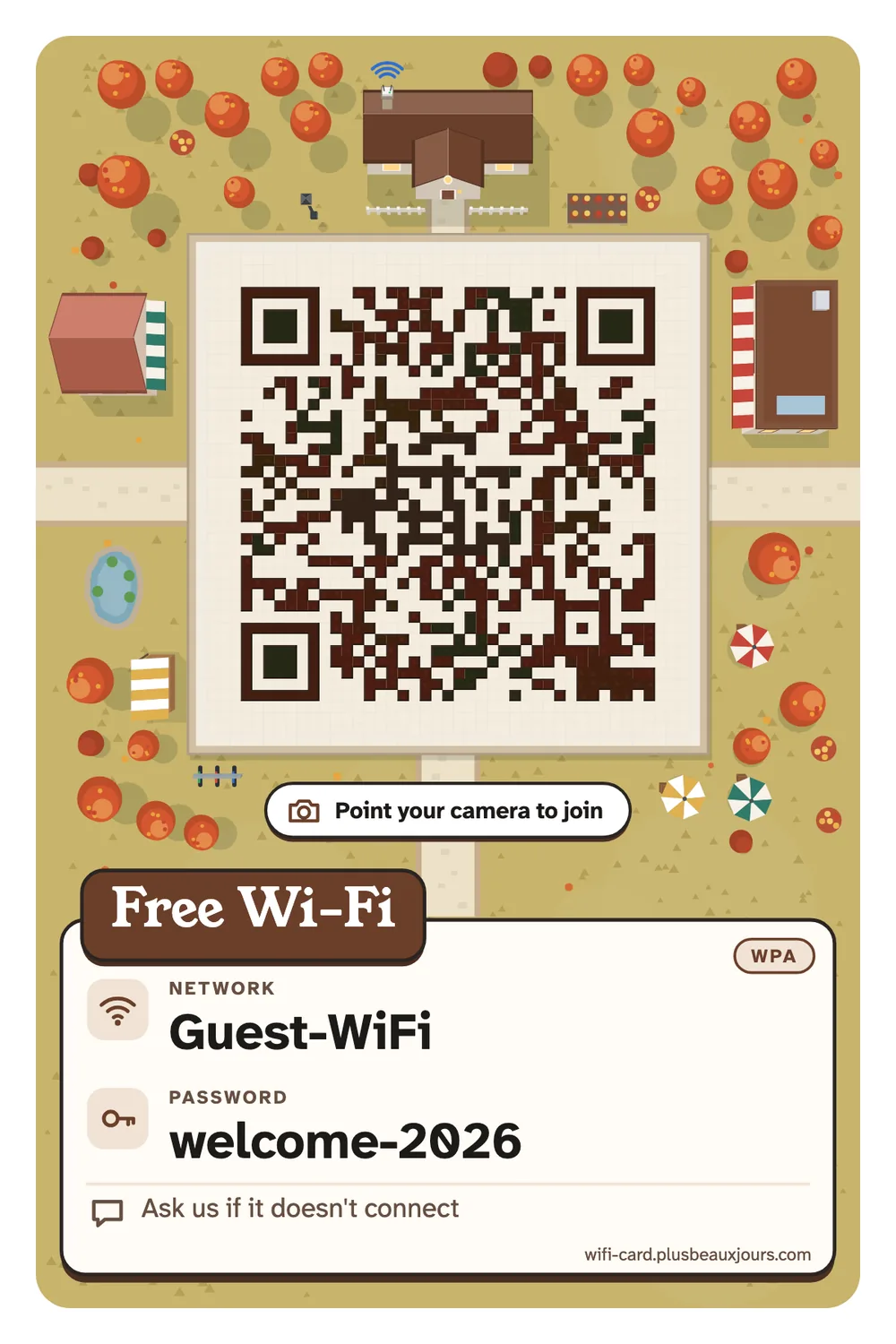
Café & shop free Wi-Fi sign
Warm kraft-coloured paper, a little line-drawn coffee cup and an espresso-brown serif “Free Wi-Fi”. Quiet enough for a nice café counter, clear enough to spot from the queue. The password is set large in a typeface that keeps 1, l and I apart.
Fold the A4 table tent for the counter or tables. Add a note like “Ask us for the password” or “Wi-Fi for customers”, or untick the password text and let the QR code do the work.
Use this design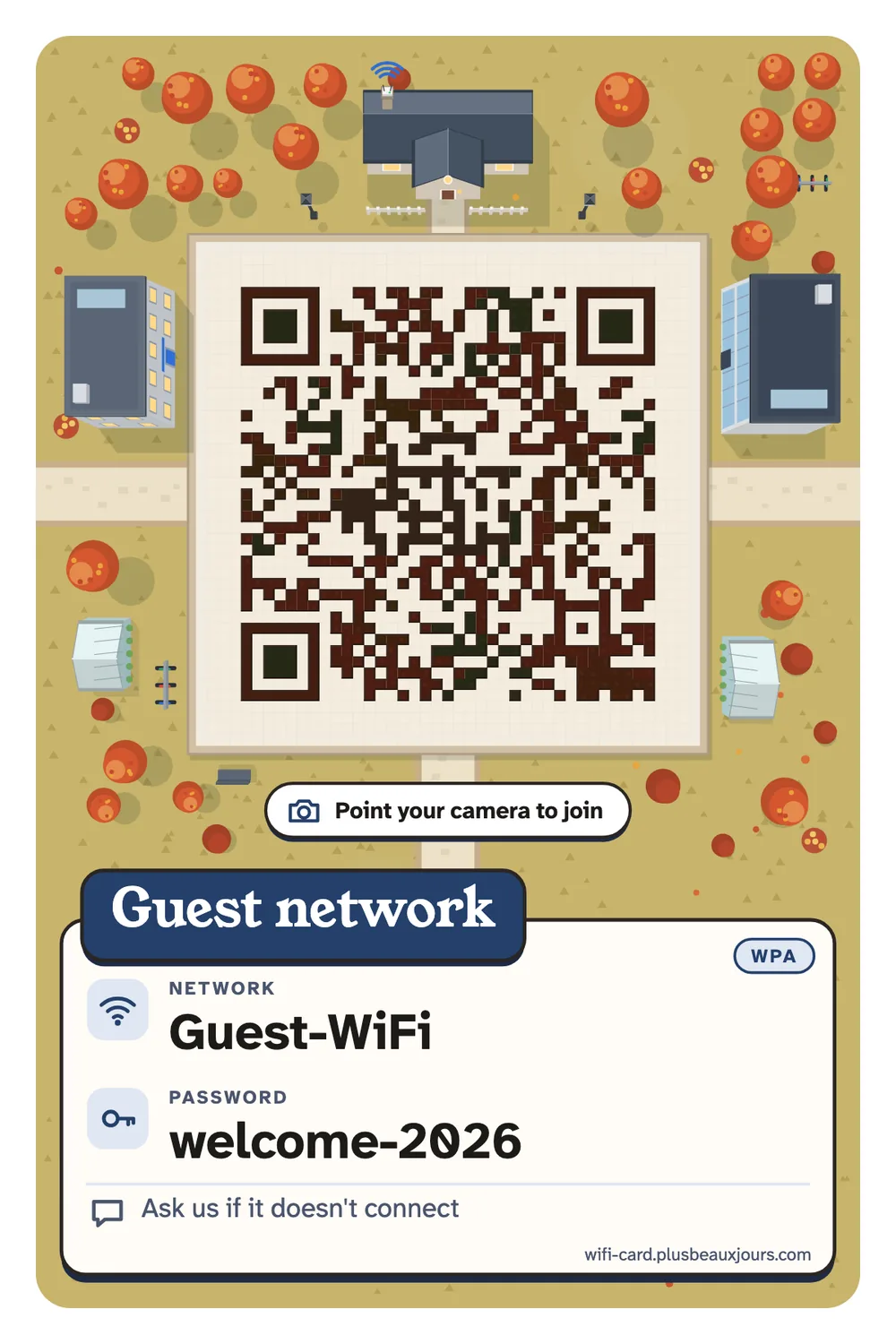
Office & meeting room guest Wi-Fi
White paper, a navy rule across the top and everything set flush left. It looks at home on a reception desk or a meeting-room table and doesn't fight your company's colours.
Print one table tent per room. Use the note for the meeting-room name or the help-desk extension. Office networks are often hidden, so tick Hidden network if yours is.
Use this design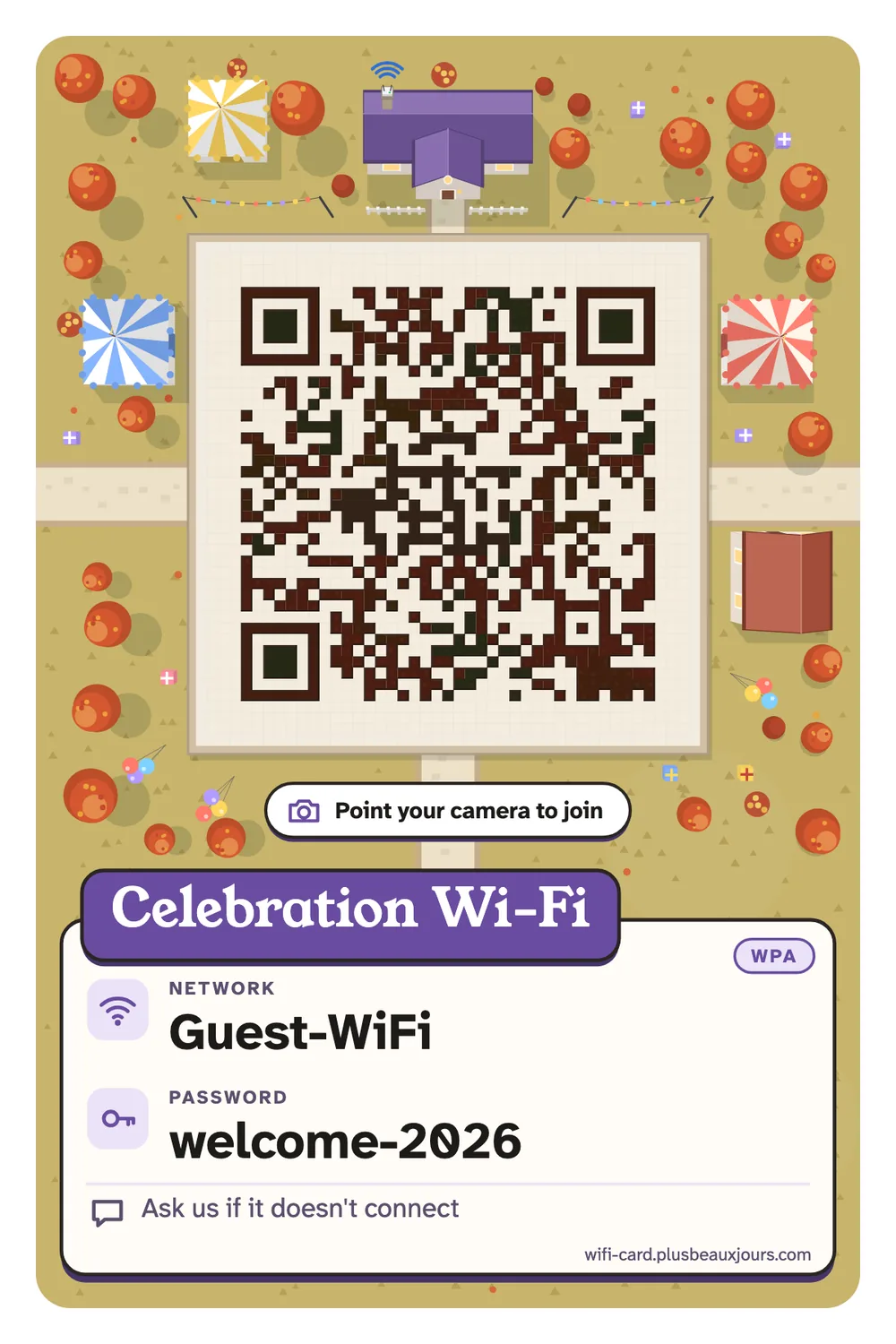
Wedding & party Wi-Fi sign
Champagne paper inside a double gold hairline, with a soft brown serif “Celebration Wi-Fi”. Made for weddings, birthdays and housewarmings, where nobody wants to read a password off a router sticker.
Put table tents on a few tables, or an A6 card next to the guest book. Swap the title for the couple's names or the party's hashtag; the QR code stays scannable either way.
Use this design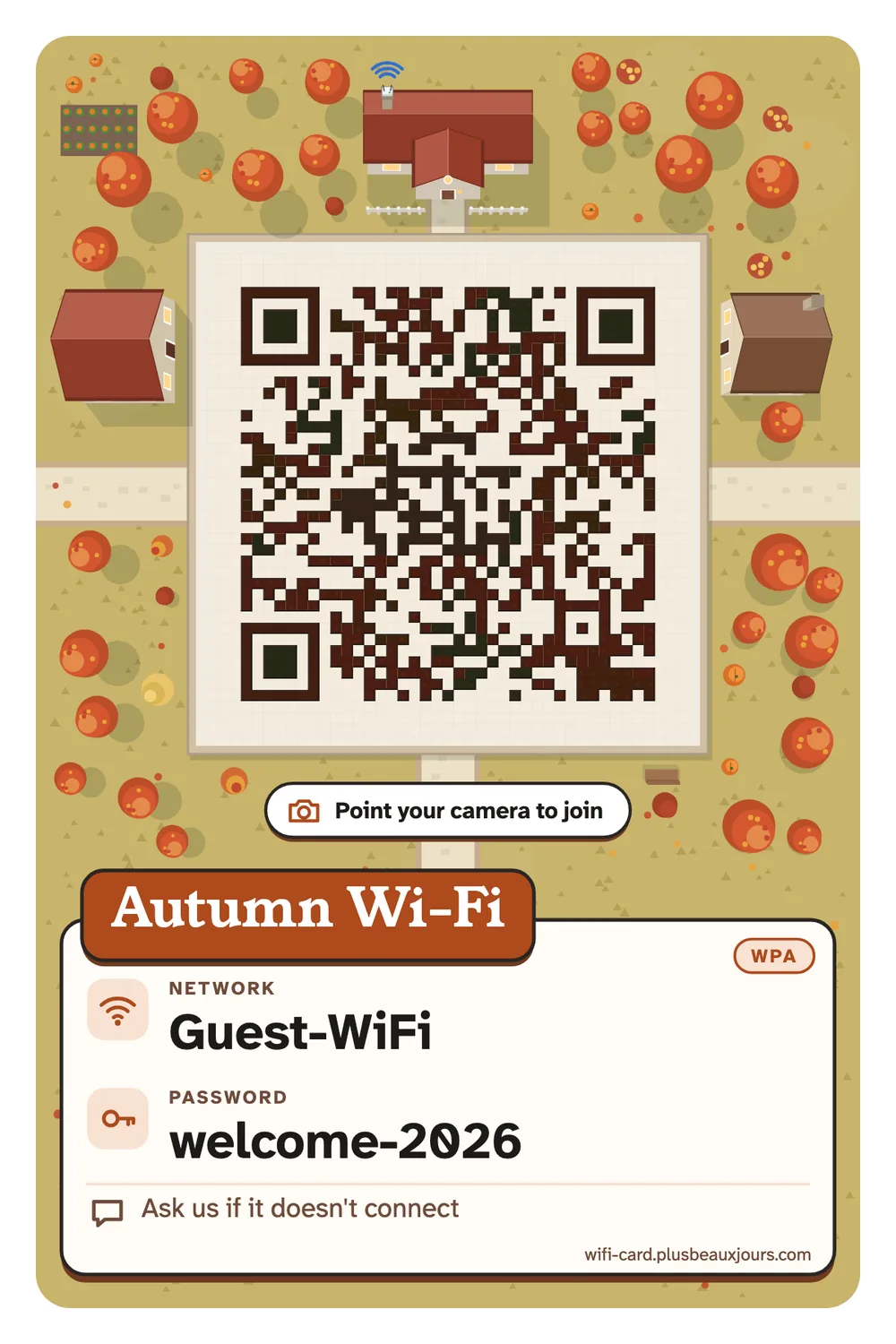
Seasonal: autumn & Halloween Wi-Fi card
Apricot paper, a line-drawn maple leaf and a maple-red serif title for autumn. From October 25 to 31 it switches to a Halloween palette with a line-drawn pumpkin in orange, ink and bone, and you can switch back any time.
Good for a café's seasonal counter, a Halloween party or an autumn rental. The leaf sits above the title, so the QR code keeps its clean white border.
Use this design